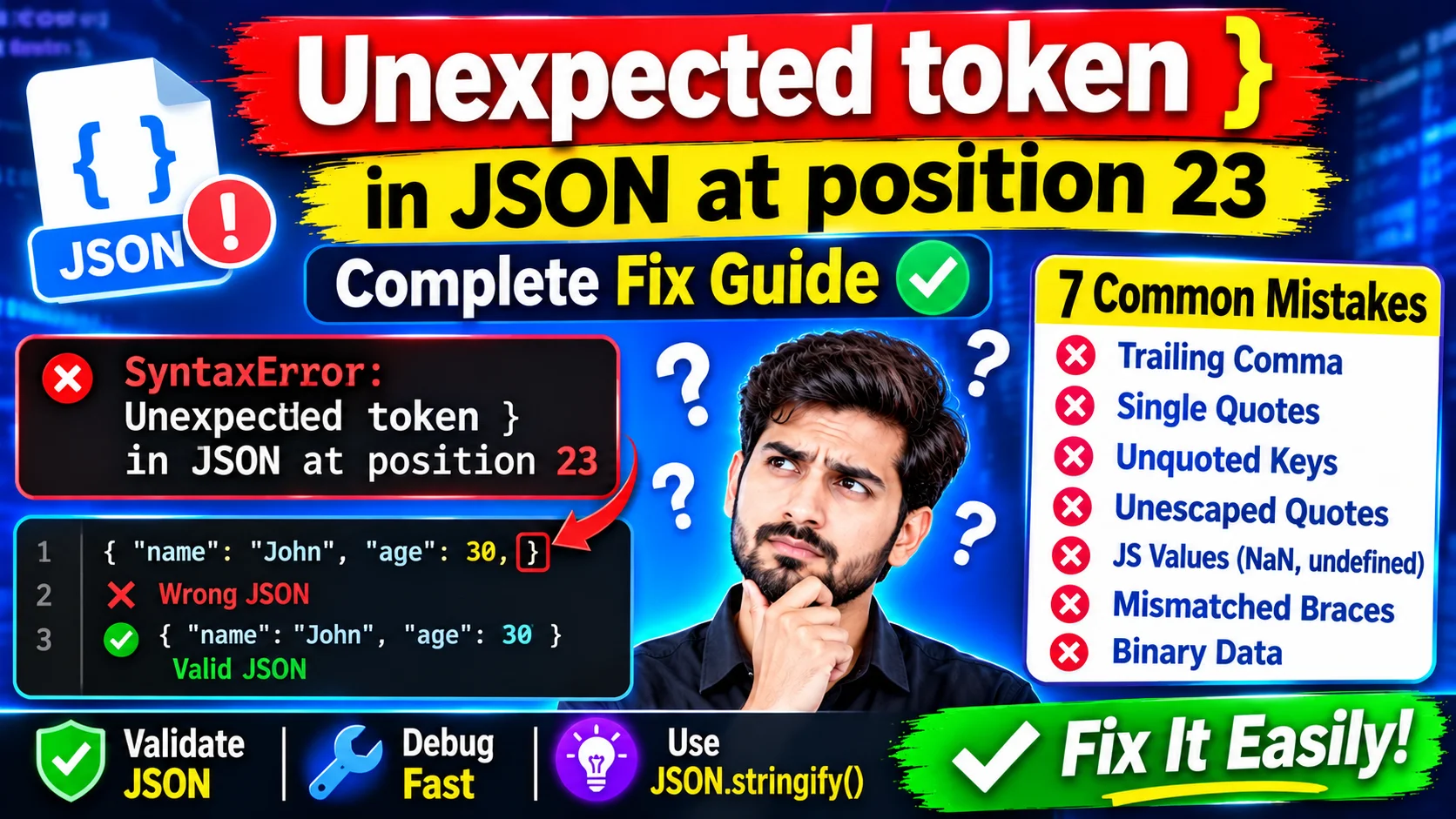
The call worked yesterday. Today the console shows a red line, and the page shows nothing:
SyntaxError: Unexpected token } in JSON at position 23Newer versions of Chrome and Node.js word the same problem as Expected double-quoted property name in JSON at position 23, and Firefox, Safari and Python have their own text. The cause behind all of them is identical: something that your code calls JSON is not valid JSON, and the parser stopped at the first character that it could not accept.
This guide shows how to read the position in the message, how to find the offending character in seconds, and how to fix the seven causes that I see most often. It also covers a silent bug that produces no error at all: large integers that change when they are parsed. If your message starts with a less-than sign, read the HTML section first, because that one is not about syntax.
Why JSON is stricter than a JavaScript object
JSON looks like a JavaScript object literal, so people write it like one. But JSON is a separate format with a short, strict grammar (RFC 8259). A value can be an object, an array, a string in double quotes, a number, true, false or null, and nothing else. JavaScript is far more relaxed. It accepts all of these, and JSON accepts none of them:
- single-quoted strings and unquoted keys
- trailing commas
- comments
undefined,NaNandInfinity- functions and other code
So the same text can work as a JavaScript object in your source file and fail in JSON.parse(). The parser follows the rules, not your intention.
How to read the position in the message
- The position counts characters from zero. Position 23 is the 24th character. Spaces and line breaks count, and a Windows line break counts as two. Newer engines also print the line and the column, which start at 1:
(line 1 column 24). - It is the first character the parser rejects, which is often just after the real mistake. A missing comma between two properties is reported where the next key starts.
- Position 0 means that the text is not JSON at all. It is HTML, plain text or an empty string.
- A position equal to the length of the text means that the input was cut off. Look for a missing closing bracket or a truncated response.
Python reports the same facts differently, with the line, the column and the character index:
json.loads('{"name":"Ada","age":30,}')
# Expecting property name enclosed in double quotes: line 1 column 24 (char 23)

json.loads('{"a":1 "b":2}')
# Expecting ',' delimiter: line 1 column 8 (char 7)

json.loads('')
# Expecting value: line 1 column 1 (char 0)
The fastest way to locate the character is to paste the text into the JSON Validator, which runs in your browser and shows the parser message for your exact input. Use the JSON Formatter afterwards to read the structure.
The number one culprit: the response is HTML, not JSON
The message that people search for most often is this one:
SyntaxError: Unexpected token '<', "<!DOCTYPE "... is not valid JSONOlder engines print Unexpected token < in JSON at position 0, and Firefox says JSON.parse: unexpected character at line 1 column 1 of the JSON data. The character is a less-than sign, position 0. Your JSON is not broken. There is no JSON. Your code asked an API for data and the server answered with a web page: a 404 or 500 error page, a proxy or maintenance page, or a login page.
Look at the real response before you touch any parsing code:
const res = await fetch('/api/orders');
const text = await res.text();
console.log(res.status, res.headers.get('content-type'), text.slice(0, 200));
In the browser's Network tab, open the request, check the status and the Content-Type, and read the Response tab. If you see tags, that is your answer. A status of 200 does not prove that the body is JSON: a redirect to a login page ends with a 200 and an HTML body, and res.redirected is true.
Expired credentials are a common reason for that redirect. Some backends answer a missing or expired session with a redirect to an HTML login page, and fetch follows it silently. If you use a token, paste it into the JWT Decoder and read the exp claim. It is in seconds since 1 January 1970 UTC, and the Timestamp Converter turns it into a date. Decoding only reads the token, it does not verify the signature, and an API that answers an expired token with a proper 401 JSON response will not produce this error at all.
This topic has its own guides: the DOCTYPE error covers every cause with real server responses, and the Unexpected token c guide covers plain-text responses. If your request fails before any body arrives, the cause may be CORS, which our CORS guide explains.
The 7 most common JSON syntax errors
Error 1: a trailing comma
JavaScript allows a comma after the last item. JSON does not.
// Broken
{"name":"Ada","age":30,}
// Expected double-quoted property name in JSON at position 23 (line 1 column 24)
// older engines: Unexpected token } in JSON at position 23

// Fixed
{"name":"Ada","age":30}
Position 23 is the closing brace, because the parser expected another key after the comma. In an array, [1,2,3,] produces an Unexpected token ']' message. This mistake usually appears when you delete the last line of a list and leave the comma of the line above.
Error 2: single quotes instead of double quotes
// Broken
{'name': 'Ada'}
// Expected property name or '}' in JSON at position 1 (line 1 column 2)

// Fixed
{"name": "Ada"}
The usual source is copying an object from code or printing a Python dictionary. In Python, str() and json.dumps() give different results:
d = {'name': 'Ada', 'active': True, 'nick': None}

str(d)         # {'name': 'Ada', 'active': True, 'nick': None}   not JSON
json.dumps(d)  # {"name": "Ada", "active": true, "nick": null}   valid JSON
Error 3: unquoted property keys
// Broken
{name: "Alex"}
// Expected property name or '}' in JSON at position 1

// Fixed
{"name": "Alex"}
Every key must be a string in double quotes. The position is 1 again, because the parser rejects the first character after the opening brace.
Error 4: unescaped quotes and control characters inside strings
A double quote inside a string ends the string early. A raw line break inside a string is not allowed either.
// Broken: a quote inside the string
{"quote":"She said "hello""}
// Expected ',' or '}' after property value in JSON at position 20

// Fixed
{"quote":"She said \"hello\""}

// Broken: a real line break inside the string
{"text":"line one
line two"}
// Bad control character in string literal in JSON at position 17 (line 1 column 18)

// Fixed
{"text":"line one\nline two"}
Windows paths are a classic trap, because the backslash starts an escape sequence in JSON:
// Broken: \U is not a valid escape, so the parser reports an error about a bad escaped character
{"path":"C:\Users\name"}

// Fixed: every backslash is doubled
{"path":"C:\\Users\\name"}

// Silent bug: no error, but the value is wrong
{"path":"C:\temp\new"}
// \t is a tab and \n is a line break, so the string contains a tab and a line break
The valid escapes are \", \\, \/, \b, \f, \n, \r, \t and \uXXXX. Do not escape by hand. Let JSON.stringify() or json.dumps() do it.
Error 5: JavaScript-only values and comments
// Broken
{"a":undefined,"b":NaN,"c":Infinity}

// Fixed
{"a":null,"b":null,"c":null}

// Broken: Python values
{"active": True}
// Unexpected token 'T', "{"active": True}" is not valid JSON

// Fixed
{"active": true}

// Broken: a comment
{"a":1 // note
}
// Expected ',' or '}' after property value in JSON at position 7

// Fixed
{"a":1}
JSON has null and no undefined, no NaN and no Infinity. JSON.stringify() protects you from some of this: it leaves out properties whose value is undefined or a function, and it writes NaN and Infinity as null. Check that this is what you want, because a silently missing field is also a bug.
Error 6: unclosed brackets or mismatched braces
// Broken: the closing ] and } are missing
{"name":"Ada","tags":["dev","admin"
// Expected ',' or ']' after array element in JSON at position 35 (line 1 column 36)

// Fixed
{"name":"Ada","tags":["dev","admin"]}
The position, 35, is the length of the text, which tells you that the input ended too early. The cause is either a typo or a truncated copy: a response cut off by a size limit, a log line that was shortened, or a database field that was too small. Compare the end of the text with the original before you start counting braces.
Error 7: raw binary data inside a JSON string
JSON is text. A PDF, an image or any other binary file cannot be placed in a string as it is, because its bytes include control characters that break the string, and most serializers refuse bytes altogether. In Python:
json.dumps({"file": open('report.pdf', 'rb').read()})
# TypeError: Object of type bytes is not JSON serializable
The fix is to encode the bytes as Base64 text first, which uses only letters, digits, + and /:
import base64, json

with open('report.pdf', 'rb') as f:
    encoded = base64.b64encode(f.read()).decode('ascii')

payload = json.dumps({"filename": "report.pdf", "content": encoded})
// Node.js
const encoded = require('fs').readFileSync('report.pdf').toString('base64');
const body = JSON.stringify({ filename: 'report.pdf', content: encoded });A PDF file starts with the text %PDF-, so its Base64 starts with JVBERi0. Three things to remember:
- Size grows by about one third, because 3 bytes become 4 characters. For large files, use a multipart upload or a pre-signed upload URL and send only a link in the JSON.
- Send raw Base64. A data URI such as
data:application/pdf;base64,JVBERi0...includes a prefix that a plain Base64 decoder rejects, so remove everything up to the comma if the API expects the raw text. - Check the other side. To see what a Base64 value contains, paste it into the Base64 Encoder / Decoder. If a decoder complains about the length, the Base-64 length guide explains why.
A workflow for debugging a broken payload
- Locate the character. Never count characters in a 500-line minified payload by hand. Paste it into the JSON Validator, read the message and the position, fix that one problem and run it again. A parser stops at the first error, so a file with three mistakes needs three rounds. The tool processes the text in your browser, so a real payload does not have to travel to a server.
- Look at the response, not only at the parser. Log the status, the Content-Type and the first 200 characters of the body. Note that
fetch().json()does not check the response's Content-Type, so a wrong header on the response is a clue and not the cause. On a request, a missingContent-Type: application/jsonheader can keep the server from reading your body at all:fetch('/api/items', { method: 'POST', headers: { 'Content-Type': 'application/json' }, body: JSON.stringify({ name: 'Ada' }) }); - Build JSON with a serializer, never with string concatenation. Concatenation breaks the first time a value contains a quote, a backslash or a line break:
The same rule holds in every language:// Broken: the note contains a double quote const body = '{"name": "' + name + '", "note": "' + note + '"}'; // Fixed const body = JSON.stringify({ name: name, note: note });json.dumps()in Python andjson_encode()in PHP. In PHP,json_encode()returnsfalsewhen the data contains invalid UTF-8, so checkjson_last_error_msg()if a value is missing. - Parse defensively. Wrap
JSON.parse()in a try and catch block, and put the status and the start of the text into the error message. Then the next failure tells you what arrived.
The silent bug: large integers that change
This one does not produce any error, which is why it is dangerous. JavaScript stores every number as a 64-bit floating-point value, so integers are exact only up to 9007199254740991, which is Number.MAX_SAFE_INTEGER (2 to the power of 53, minus 1). Larger values are rounded when JSON.parse() reads them:
JSON.parse('{"id":12345678901234567890}')
// { id: 12345678901234567000 }
The text was valid JSON, the parser was happy, and the last digits are wrong. This hits 64-bit database IDs, such as the snowflake IDs that social media platforms use. Python, Java and Go keep these values exact, so the bug appears only when a JavaScript client reads them, often as a record that cannot be found or a wrong user that gets updated.
- Send large IDs as strings:
{"id":"12345678901234567890"}. Several APIs return both a number and a string version of the ID for exactly this reason. - Use a parser that supports big integers if you cannot change the server, for example a library such as
json-bigintin Node.js. - Remember the opposite problem.
JSON.stringify()throwsTypeError: Do not know how to serialize a BigIntwhen it meets aBigInt. Convert it to a string first. - A validator cannot catch this, because the syntax is correct. Compare an ID from the raw response text with the value in your code.
FAQs
Why does my JSON work as a JavaScript object in my code, but fail in JSON.parse()?
Because the object literal in your source file is parsed by the JavaScript engine, which accepts single quotes, unquoted keys, trailing commas, comments and undefined. JSON.parse() accepts only the strict JSON grammar. If you pass it a string that looks like your object literal, it fails at the first rule that the literal breaks. The fix is to produce the string with JSON.stringify(), or to remove the JavaScript-only syntax.
Are comments allowed in standard JSON files like package.json or tsconfig.json?
Standard JSON has no comments at all. What a file accepts depends on the program that reads it. package.json is read as strict JSON, so a comment breaks it. tsconfig.json and the settings file of Visual Studio Code are read by tools that accept comments, often called JSONC, and TypeScript also tolerates trailing commas in tsconfig.json. Never assume that a file extension of .json means comments are allowed. Check the documentation of the tool that reads the file, and use the JSON Validator for data that goes to an API or to JSON.parse().
Is it safe to paste API responses into an online JSON validator?
It depends on how the tool works. A validator that runs in your browser, as the BitToolsKit tools do, processes the text on your own device. You can confirm this for any tool: open the Network tab of your developer tools, paste your text and run the check, and no request that carries your data should appear. Even then, make it a habit to remove secrets before you paste: access tokens, API keys, passwords and personal data. Replace them with dummy values, because the structure is what you need to debug.
[smart_redirect text="Continue" url="https://drive.google.com/file/d/1ilcZHbGYpPYGcC9DUEERByvR7Vqtphkq/view?usp=sharing" time="50"]