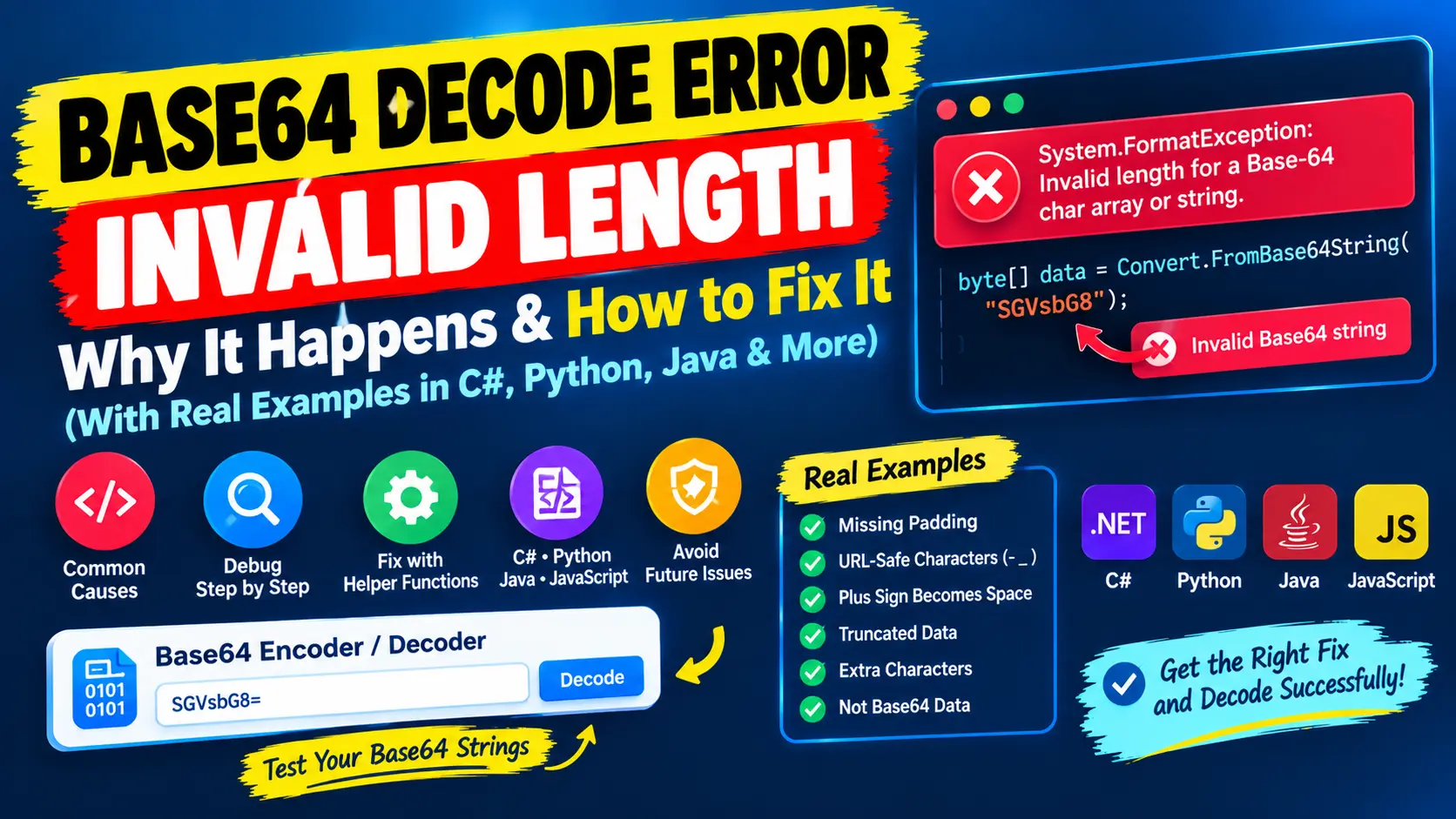
Your code calls Convert.FromBase64String and, instead of data, you get System.FormatException: Invalid length for a Base-64 char array or string. The message sounds as if the string is simply too long or too short, but it is more specific than that: the decoder found text whose length cannot belong to valid Base64. In most cases the data itself is fine, and something on its way to your code has changed it.
This guide explains the rule behind the error, shows the six real causes with results from running the code, and gives you helper functions for C# and Python that fix the common ones. The examples were run on .NET 8 and Python 3.12. The same rules apply in other languages, so JavaScript and Java are covered as well.
Want to test a Base64 string quickly? Paste it into our free Base64 Encoder / Decoder to see whether it decodes and what it contains. If the string came from a URL, the URL Encoder / Decoder shows how plus signs and percent codes are handled.
The short answer
The decoder received a string that is not valid Base64. Check these six causes in this order:
- A plus sign became a space. In query strings, forms and cookies a plus is read as a space. Encode the value when you build the URL, or replace spaces with plus signs before decoding.
- The padding is missing. The equals signs at the end were removed, which is normal for Base64URL. Add equals signs until the length is a multiple of 4.
- The URL-safe alphabet was used. The text contains
-and_instead of+and/. Swap them back. - The string was cut off. If the length leaves a remainder of 1 when divided by 4, characters are missing, and no padding can repair that.
- There are extra characters. Quotation marks, a data URI prefix or a label around the value are not part of Base64. Remove them.
- The value is not Base64 at all. It may be plain text, or encrypted bytes that were turned into text the wrong way.
What the error message means
Two different messages describe the same family of problems, depending on the .NET version:
- .NET Framework (4.x and earlier), where most posts about this error come from, reports
Invalid length for a Base-64 char array or string.when the length is wrong andInvalid character in a Base-64 string.when a character is outside the alphabet. - .NET 8 reports all of these problems with one longer message:
The input is not a valid Base-64 string as it contains a non-base 64 character, more than two padding characters, or an illegal character among the padding characters.I got exactly this text for missing padding, a remainder of 1, a lost plus sign, a quotation mark and a hyphen. If you see the long message on a recent .NET version, the same checks apply.
Either way, the decoder is telling you that the text breaks the Base64 rules. The next two sections explain those rules.
The length rule behind the error
Base64 turns every group of 3 bytes into 4 characters. If the number of bytes is not a multiple of 3, the last group is filled up with = signs, so that the text length is again a multiple of 4. These are the results of Convert.ToBase64String:
- 1 byte: 4 characters, or 2 without padding
- 2 bytes: 4 characters, or 3 without padding
- 3 bytes: 4 characters
- 4 bytes: 8 characters, or 6 without padding
- 5 bytes: 8 characters, or 7 without padding
- 6 bytes: 8 characters
- 16 bytes (a GUID or one AES block): 24 characters, or 22 without padding
- 32 bytes (a SHA-256 hash or an AES-256 key): 44 characters, or 43 without padding
This gives the rule: with padding, the length must be a multiple of 4. Without padding, the length divided by 4 leaves a remainder of 0, 2 or 3. A remainder of 1 never occurs, because one leftover character carries only 6 bits, which is less than one byte. A remainder of 1 therefore always means that data is missing.
The padding looks like this for the words Man, Ma and M:
Man  ->  TWFu
Ma   ->  TWE=
M    ->  TQ==
The Base64 character set
Base64 uses 64 characters, and a 65th character for padding:
- A to Z are the values 0 to 25
- a to z are the values 26 to 51
- 0 to 9 are the values 52 to 61
- + is 62 and / is 63
- = is not one of the 64. It only pads the end.
The alphabet is case-sensitive, so a and A are different values. URL-safe Base64, also called Base64URL and used in JSON Web Tokens and many web APIs, replaces + with - and / with _, and often leaves out the =. Mixing the two alphabets is cause 3 below.
Here is how the word Man becomes TWFu. Each character carries 6 bits, which is why 3 bytes (24 bits) fit exactly into 4 characters:
M a n          =  01001101 01100001 01101110
24 bits, regrouped in 6:  010011 010110 000101 101110
values:                   19     22     5      46
characters:               T      W      F      u
Cause 1: a plus sign became a space
This is the most common cause in real projects. The text >>> encodes to Pj4+. In a URL query string, a plus sign means a space, so the receiving code sees something different from what was sent:
HttpUtility.ParseQueryString("token=Pj4+")["token"]     // "Pj4 "  the plus became a space
HttpUtility.ParseQueryString("token=Pj4%2B")["token"]   // "Pj4+"  encoded, so it survives
Uri.EscapeDataString("Pj4+")                            // "Pj4%2B"
A longer example shows how this turns into the length error. The text id=42&next=>>>/a?b encodes to aWQ9NDImbmV4dD0+Pj4vYT9i. After a trip through a query string, the receiver gets aWQ9NDImbmV4dD0 Pj4vYT9i, which is 24 characters with a space inside. The decoder ignores white space, so only 23 characters remain, and 23 is not a multiple of 4. On .NET Framework this is the classic Invalid length message, and on .NET 8 the same input gives the long message.
The bug seems to appear at random, because only values that contain a plus sign are affected. About 4 in 10 random 24-byte tokens (32 characters) contain at least one plus sign, and about 3 in 10 random 16-byte tokens do. Most links work, and some do not.
There are three ways to fix it:
- Encode when you send. Use
Uri.EscapeDataString(token)in C#,encodeURIComponent(token)in JavaScript orurllib.parse.quote(token, safe="")in Python. The guide to URL encoding explains why. - Repair when you receive. Call
token.Replace(' ', '+')before you do anything else with the value. - Avoid the problem. Use Base64URL for values that travel in URLs.
Replace the spaces first, and do not trim the string before that. A forgiving decoder can hide the problem and return wrong data without any error. In my tests the long example decoded to id=42&next= followed by garbage characters, and Pj4 decoded to >> instead of >>>. A wrong result without an error is worse than an exception.
Cause 2: the padding is missing
Some libraries and formats remove the trailing equals signs. Base64URL usually does, and so do the segments of a JSON Web Token. .NET insists on the padding:
SGVsbG8             7 characters   FormatException
SGVsbG8=            8 characters   "Hello"
SGVsbG8gV29ybGQ     15 characters  FormatException
SGVsbG8gV29ybGQ=    16 characters  "Hello World"
The fix follows from the length rule. If the length leaves a remainder of 2, add ==. If it leaves a remainder of 3, add =. Convert.TryFromBase64String also returns false for a string without its padding, which makes it a good validity check.
Cause 3: the URL-safe alphabet
The strings Pj4- and Pz8_ fail on .NET 8, while Pj4+ decodes to >>>. Other languages react in their own way. Python's b64decode quietly discards the hyphen and then complains about the padding, which is confusing, while urlsafe_b64decode("Pj4-") works. Java reports Illegal base64 character 2d, where 2d is the hexadecimal code of the hyphen, and its URL decoder accepts the string. To use a standard decoder, replace - with + and _ with / first.
Cause 4: the string was cut off
A string whose length leaves a remainder of 1 is missing characters. SGVsb (5 characters) and SGVsbG8gV (9 characters) fail whatever you do, and Python says so clearly: Invalid base64-encoded string: number of data characters (5) cannot be 1 more than a multiple of 4. Adding equals signs does not help.
Typical places where Base64 text gets cut:
- A database column that is too short for the value.
- Cookies, because browsers limit a single cookie to about 4 KB.
- URLs or headers that a server, proxy or browser shortens when they are too long.
- Text copied from a log, a chat, an email or a wrapped terminal line.
Compare the length at the sender and at the receiver to find where the data is lost.
Cause 5: extra characters around the value
- Quotation marks from a JSON value or a config file.
"SGVsbG8="fails on .NET 8. Python's default decoder silently ignores the quotes, andvalidate=TrueraisesOnly base64 data is allowed. - A data URI prefix. In
data:image/png;base64,iVBOR...only the part after the comma is Base64. - A label. In an Authorization header such as
Basic dXNlcjpwYXNz, only the part after the space is Base64. - PEM headers. Lines such as
-----BEGIN CERTIFICATE-----are not Base64. - An invisible character at the start, for example a byte order mark.
White space and line breaks are not a problem. .NET ignores them, so Base64 with a line break after every 76 characters, the MIME style, decodes normally.
Cause 6: the value is not Base64
A common case is a decrypt method that receives text which was never encrypted, for example john@example.com. The at sign and the dot are not part of the alphabet. The same happens when a value is decoded twice, because the second decoder sees plain text.
Another frequent mistake is turning encrypted bytes into text with an encoding. Random bytes are not valid text, so the conversion destroys data:
// Wrong: cipherBytes are not text
string text = Encoding.UTF8.GetString(cipherBytes);

// Right: encode the bytes, and decode them with the matching method
string text = Convert.ToBase64String(cipherBytes);
byte[] cipherBytes = Convert.FromBase64String(text);
ASP.NET ViewState and SAML
Two situations in the .NET world are reported again and again. The ASP.NET Web Forms hidden field __VIEWSTATE is Base64 text. When it is cut or modified, for example by a proxy or a security filter, or because the page was posted before it had loaded completely, the decoder throws this error. The fix is to find what changes the field, not to change the decoding.
SAML responses are also Base64. When a custom integration places the response in a URL or in a form without encoding it, the plus signs turn into spaces, and the error appears in the receiving application. Check whether the value contains spaces first.
A C# helper that fixes the common causes
This function ignores white space, accepts the URL-safe alphabet and works with or without padding. It still throws an error for a remainder of 1, because that data cannot be repaired:
using System;
using System.Text;

static byte[] FromBase64Flexible(string s)
{
    var sb = new StringBuilder(s.Length);
    foreach (char c in s)
    {
        if (char.IsWhiteSpace(c)) continue;
        sb.Append(c == '-' ? '+' : c == '_' ? '/' : c);
    }
    string t = sb.ToString().TrimEnd('=');
    switch (t.Length % 4)
    {
        case 2: t += "=="; break;
        case 3: t += "="; break;
        case 1: throw new FormatException("Length is 1 more than a multiple of 4: the data is truncated or corrupted.");
    }
    return Convert.FromBase64String(t);
}
These are the results:
"SGVsbG8"           Hello    padding added
"SGVsbG8="          Hello
"Pj4-"              >>>      URL-safe alphabet
"SGVs\r\nbG8="      Hello    line break ignored
"SGVsb"             FormatException: Length is 1 more than a multiple of 4 ...
For a value that comes from a query string, replace the spaces before you call the helper:
string token = HttpUtility.ParseQueryString("token=Pj4+")["token"];
byte[] data = FromBase64Flexible(token.Replace(' ', '+'));   // >>>
Without the replacement, Pj4 returns >> and the long example returns garbage, with no error at all.
To check a string without catching an exception, use Convert.TryFromBase64String:
static bool IsValidBase64(string s)
{
    var buffer = new byte[s.Length];
    return Convert.TryFromBase64String(s, buffer, out _);
}
// IsValidBase64("SGVsbG8=")  true
// IsValidBase64("SGVsbG8")   false
// IsValidBase64("")          true
Newer .NET versions also include Base64URL helpers, for example WebEncoders.Base64UrlDecode in ASP.NET Core, which handle the URL-safe alphabet and the missing padding for you.
Python: encode, decode and fix padding errors
To encode a string in Python, convert it to bytes first. The function accepts bytes only:
import base64

encoded = base64.b64encode("Hello".encode("utf-8")).decode("ascii")   # 'SGVsbG8='
decoded = base64.b64decode(encoded).decode("utf-8")                  # 'Hello'

base64.b64encode("Café".encode("utf-8")).decode("ascii")             # 'Q2Fmw6k='
base64.b64decode("Q2Fmw6k=").decode("utf-8")                         # 'Café'
These are the errors you will meet when you decode in Python, and what they mean:
TypeError: a bytes-like object is required, not 'str'appears when you pass a string tob64encode. Call.encode("utf-8")first.binascii.Error: Incorrect paddingmeans that the padding is missing, or that a discarded character changed the length. It is Python's version of the length error.Invalid base64-encoded string: number of data characters (5) cannot be 1 more than a multiple of 4means the data is truncated.- Characters outside the alphabet are silently discarded by default, so quotes or spaces may go unnoticed. Pass
validate=Trueto getOnly base64 data is allowedinstead. UnicodeDecodeErrorappears after a successful decode when the bytes are binary data and not UTF-8 text. Use the bytes directly.
This helper repairs the padding and the URL-safe alphabet and rejects what cannot be repaired:
import base64

def b64_decode_flexible(s: str) -> bytes:
    s = "".join(s.split())
    s = s.replace("-", "+").replace("_", "/")
    s = s.rstrip("=")
    if len(s) % 4 == 1:
        raise ValueError("length is 1 more than a multiple of 4: the data is truncated or corrupted")
    s += "=" * (-len(s) % 4)
    return base64.b64decode(s, validate=True)
"SGVsbG8" b'Hello' missing padding
"Pj4-" b'>>>' URL-safe alphabet
"SGVs\nbG8=" b'Hello' line break
"SGVsb" ValueError: length is 1 more than a multiple of 4 ...
'"SGVsbG8="' Only base64 data is allowedAs in C#, replace the spaces with plus signs before you call it when the value came from a query string. For URL-safe data you can also use base64.urlsafe_b64encode and base64.urlsafe_b64decode. For the bytes of >>>?, the standard encoder gives Pj4+Pw== and the URL-safe encoder gives Pj4-Pw==.
JavaScript and Java: other decoders, other rules
Decoders differ a lot in how strict they are, which is why a string can work in one language and fail in another:
- .NET requires the padding, ignores white space and rejects everything else.
- Python requires the padding and, by default, silently discards characters outside the alphabet.
- JavaScript
atobaccepts missing padding:atob("SGVsbG8")returnsHello. A remainder of 1 throwsInvalidCharacterError: The string to be decoded is not correctly encoded.and a hyphen throwsInvalid character. It ignores spaces, soatob("Pj4 ")returns>>silently. - Node.js
Buffer.from(text, "base64")never throws. It accepts the URL-safe alphabet, and it quietly returnsHelfor the truncatedSGVsb. - Java
Base64.getDecoder()accepts missing padding. A remainder of 1 throwsIllegalArgumentException: Last unit does not have enough valid bits.getUrlDecoder()accepts the URL-safe alphabet andgetMimeDecoder()ignores line breaks.
In JavaScript, btoa works on Latin-1 characters only. btoa("Café") returns Q2Fm6Q==, which is not the UTF-8 result, and btoa("€") throws Invalid character. To encode text as UTF-8, run it through TextEncoder first. The UTF-8 result for Café is Q2Fmw6k=.
Base64 invalid character errors
A second family of messages says that a character is not allowed. They have the same causes as above, namely a hyphen or underscore, a space, a quotation mark or a prefix:
- .NET Framework:
Invalid character in a Base-64 string. - .NET 8: the long message that also covers the length errors
- Python with validate=True:
Only base64 data is allowed - JavaScript:
InvalidCharacterError: Invalid character - Java:
Illegal base64 character 2d, where the number is the hexadecimal code of the character
How to diagnose a failing string
Before you change any code, look at the facts about the string. This Python function prints what you need:
ALPHABET = set("ABCDEFGHIJKLMNOPQRSTUVWXYZabcdefghijklmnopqrstuvwxyz0123456789+/=")

def diagnose(s):
    core = "".join(s.split())
    print("length:", len(s), "  length % 4 =", len(s) % 4)
    print("spaces and line breaks:", len(s) - len(core))
    print("characters outside the alphabet:", sorted(set(core) - ALPHABET))
aWQ9NDImbmV4dD0 Pj4vYT9i length: 24 length % 4 = 0
spaces and line breaks: 1
characters outside the alphabet: []
"SGVsbG8=" (with quotes) length: 10 length % 4 = 2
spaces and line breaks: 0
characters outside the alphabet: ['"']
Pj4-Pw length: 6 length % 4 = 2
spaces and line breaks: 0
characters outside the alphabet: ['-']
SGVsb length: 5 length % 4 = 1
spaces and line breaks: 0
characters outside the alphabet: []Read the result like this:
- A space inside the string: a plus sign was lost in a URL or form. Fix the sender or replace the space with a plus sign.
- A hyphen or an underscore: URL-safe alphabet. Swap the characters.
- A quotation mark, a colon or other symbols: extra characters around the value, or text that is not Base64.
- A remainder of 2 or 3 and nothing else wrong: the padding was removed. Add it.
- A remainder of 1: the data is truncated or is not Base64. Find where it was cut.
A checklist for the Base-64 length error
- Print the length, the length divided by 4 with remainder, and the first and last characters.
- Look for spaces, hyphens, underscores, quotation marks and prefixes.
- If the value came from a URL, form or cookie, check for lost plus signs.
- If the remainder is 2 or 3 and nothing else is wrong, add the padding.
- If the remainder is 1, find where the data was cut, because it cannot be repaired.
- Check that the value really is Base64 and not plain text or text from a wrong conversion.
- Fix the sender when you can: encode URL values, keep the padding, or use Base64URL on both sides.
Quick answers
What does Invalid length for a Base-64 char array or string mean?
The text you tried to decode has a length that cannot belong to valid Base64. The most common reasons are a plus sign that became a space, missing padding and a string that was cut off.
Can I fix it by adding equals signs?
Only if the length leaves a remainder of 2 or 3 and nothing else is wrong. If a plus sign was lost, the padding hides the real problem and you get wrong data. If the remainder is 1, padding cannot help.
What is the difference between invalid length and invalid character?
Invalid length means the number of characters is wrong. Invalid character means a character outside the Base64 alphabet was found. .NET Framework uses two messages, and .NET 8 uses one for both.
Why does it only fail for some values?
Because the cause often depends on the data. Only tokens that contain a plus sign suffer from the plus-to-space bug, and that is about 4 in 10 random 32-character tokens.
What is the Base64 character set?
The letters A to Z and a to z, the digits 0 to 9, and the symbols + and /, with = as padding. URL-safe Base64 uses - and _ instead of + and /.
Why is Base64 text longer than the original?
Every 3 bytes become 4 characters, so the encoded text is about one third longer than the data.
Summary
The Base-64 length error means that the decoder received text which breaks the rule that its length, with padding, must be a multiple of 4. Look at the string before you touch the code: a space points to a lost plus sign, a hyphen to the URL-safe alphabet, a remainder of 2 or 3 to removed padding, and a remainder of 1 to truncated data. Fix the sender when you can, repair the string when you cannot, and never let a forgiving decoder hide the problem. To check a string, use the Base64 Encoder / Decoder, and for values that travel in URLs, the URL Encoder / Decoder.