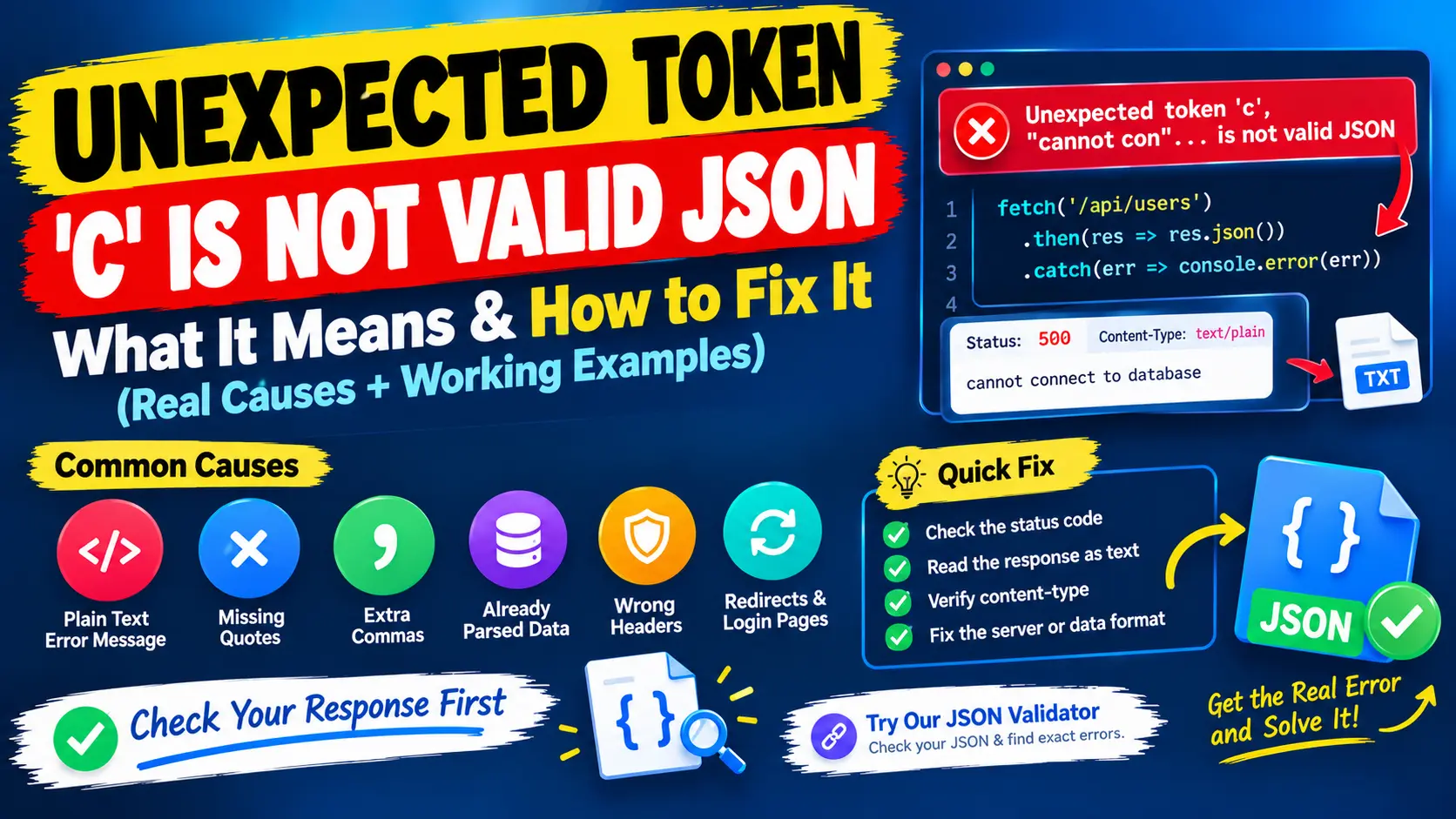
You run JSON.parse() or response.json() and the console says Unexpected token 'c', "cannot con"... is not valid JSON. You search your data for a letter c and find nothing that looks wrong. The reason is that the message names the first character the parser could not accept, and that character tells you what kind of text it received.
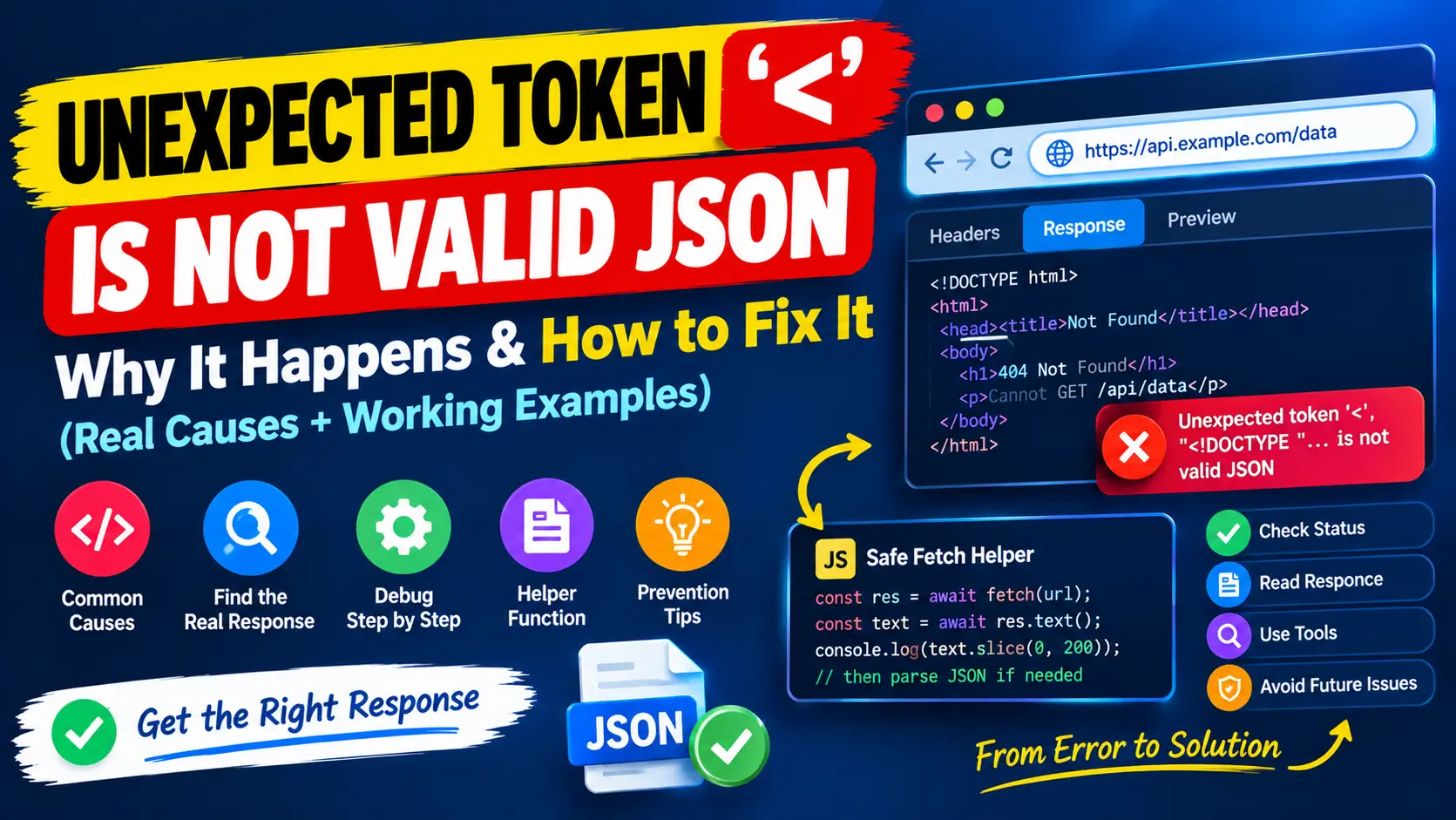
This guide shows how to read that letter, and covers the causes behind unexpected token errors that are not HTML pages: plain-text error messages, missing quotes, extra commas, values that were already parsed and request headers. The results below come from running the code on a working Express 5 server. If your message starts with '<' instead, read the guide to the DOCTYPE error.
Want to check if your JSON syntax is valid? Paste it into our free JSON Validator to see whether it parses and to read the exact error message. To make long data readable first, use the JSON Formatter.
Read the first character: what each one usually means
The letter in the message is the quickest way to guess what the server sent. These results come from calling JSON.parse on typical error bodies:
'<'is an HTML page, such as an error page or a login page.'N'comes fromNot Found,'B'fromBad Request,'F'fromForbidden,'U'fromUnauthorized,'I'fromInternal Server Error,'S'fromService Unavailable,'T'fromToo Many Requestsand'P'fromProxy Error. Each is the status text of an HTTP error sent as plain text.'C'and'c'come fromCannot GET /api/users,cannot connect to databaseorconnect ECONNREFUSEDfollowed by an address. These are messages from a framework or a database driver. A lowercaseccan also be an unquoted word inside hand-written JSON, such as{"role": client"}.'e'comes fromerror code: 502, a plain-text message that some gateways and proxies send."[object Object]" is not valid JSONmeans you passed a JavaScript object toJSON.parse. Older engines reported it asUnexpected token o in JSON at position 1, which is why the letter o appears in older posts."undefined" is not valid JSONmeans the value was undefined. Older engines saidUnexpected token u in JSON at position 0.
One quirk is worth knowing. The letters t, f and n can start the JSON words true, false and null, so the parser reports the second letter instead. The lowercase text not found gives Unexpected token 'o', although the first letter is the real starting point.
Unexpected token c: a plain-text error message
The most common cause is a server or a library that answers with a short text message. A route that fails with a 500 status and the plain text cannot connect to database produces this on the client:
status: 500   content-type: text/plain; charset=utf-8
Unexpected token 'c', "cannot con"... is not valid JSON
Database drivers, network libraries and frameworks write messages such as connect ECONNREFUSED, and the same letter appears. The JSON is not at fault, because there is none. The fix is on the server: return errors as JSON. On the client, read the body as text first and check the status code, as shown in the DOCTYPE guide, so that you see "HTTP 500: cannot connect to database" instead of a message about a letter.
Unexpected token c: a missing opening quote
If JSON is built by hand and a quotation mark is lost, the unquoted word becomes the unexpected token:
{"role": client"}
// Unexpected token 'c', "{"role": client"}" is not valid JSON

{"city": "Lahore", "country": Pakistan"}
// Unexpected token 'P', ..."country": Pakistan"}" is not valid JSON
The letter is the first letter of the value that has no opening quote. Add the quote, or better, create the text with JSON.stringify instead of joining strings, because a serializer puts every quote in the right place.
JSON parse error: extra commas and brackets
Punctuation mistakes give different messages, and the position tells you where to look:
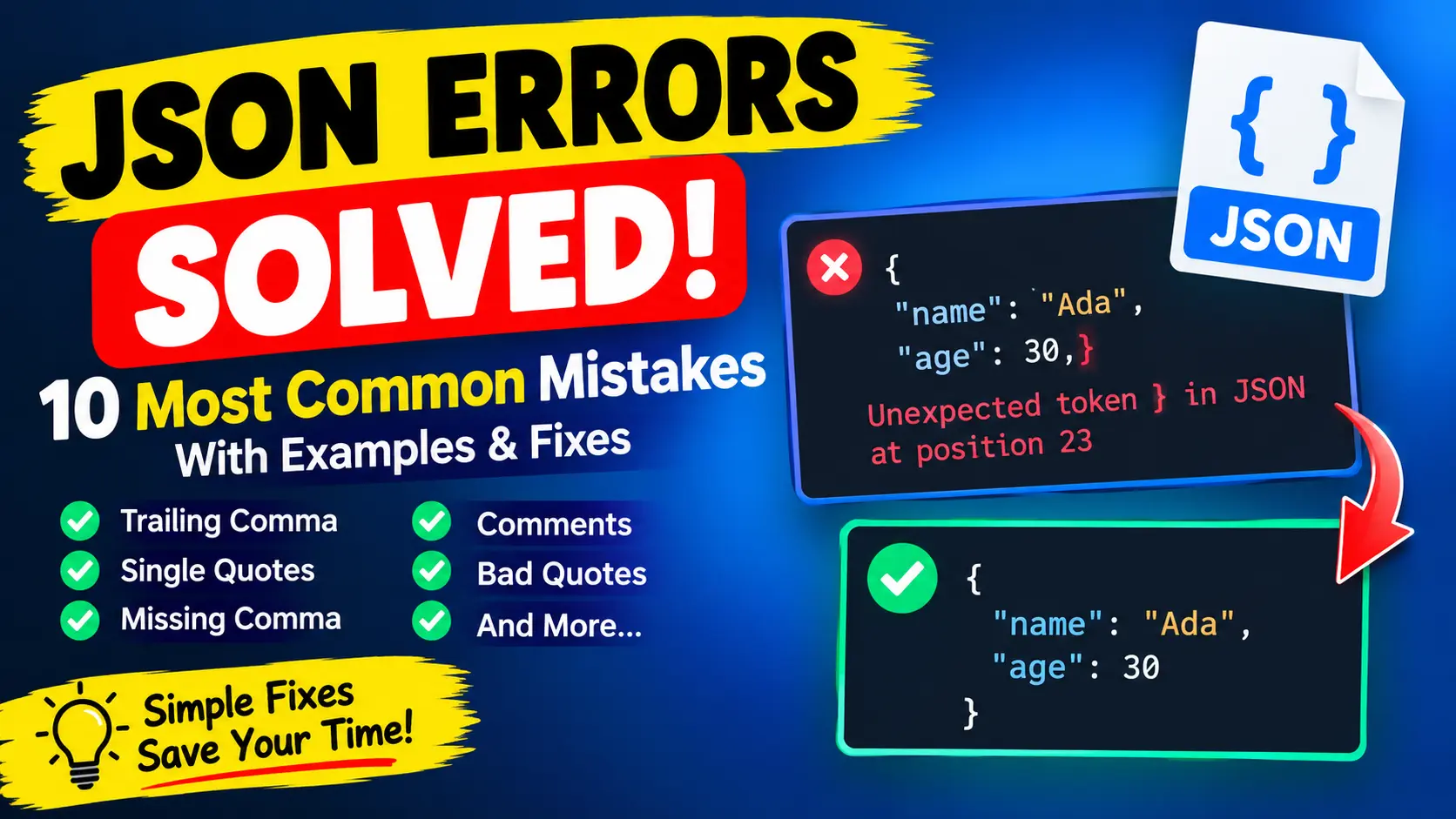
{"id": 1,, "name": "Ada"}
// Expected double-quoted property name in JSON at position 9 (line 1 column 10)

{"items": [1, 2, 3,]}
// Unexpected token ']', ..." [1, 2, 3,]}" is not valid JSON

{"id": 1, "name": "Ada"}}
// Unexpected non-whitespace character after JSON at position 24 (line 1 column 25)
In the first case there is a second comma at position 9. In the second, the comma after the last array item is not allowed. In the third, one closing brace is too many, so the parser finds extra text after the end of the JSON. For more cases of this kind, see the guide to JSON parse errors.
Parsing something that is already parsed
A very common source of [object Object] is parsing a value twice. The method response.json() already returns an object, and libraries such as axios parse the body for you. Passing the result to JSON.parse again fails:
JSON.parse({a: 1})
// "[object Object]" is not valid JSON
The same message appears when you save an object to browser storage without JSON.stringify. Browser storage can only hold strings, so the object is stored as the text [object Object], and the next read with JSON.parse fails. Store with JSON.stringify(user) and read with JSON.parse.
Not sure whether the problem is in your JSON or in the response? Run the text through the JSON Validator. A position at the very start points to a response that is not JSON. A position in the middle points to a real syntax mistake, and the JSON Formatter makes it easier to see.
JSON parse error and the Content-Type header
The Content-Type header is often blamed for these errors, but its role is more specific than people think. I tested both directions.
The response header is a clue, not the cause
A route that sends valid JSON but labels it text/html is parsed without a problem by response.json(), because fetch does not check the header. So a wrong content type on the response is not what triggers the error. It is still worth fixing on the server, and it is a useful clue: if the header says text/html, you probably received a page and not data.
The request header decides whether the server can read your body
The opposite direction causes real failures. When you send a string as the body, fetch labels it text/plain;charset=UTF-8. A server that reads JSON only when the type is application/json then skips the body. In Express 5 the result is that req.body is undefined, and a handler like this one crashes:
app.post('/api/items', function (req, res) {
  const { name } = req.body;
  res.status(201).json({ created: name });
});

// client, without the header
fetch('/api/items', { method: 'POST', body: JSON.stringify({ name: 'Ada' }) });
The server log shows the real error, TypeError: Cannot destructure property 'name' of 'req.body' as it is undefined, while the client receives a 500 status and an HTML error page. The browser then reports Unexpected token '<', "<!DOCTYPE "... is not valid JSON. Your request was wrong, but the error appears when you read the response. The fix is one line:
fetch('/api/items', {
  method: 'POST',
  headers: { 'Content-Type': 'application/json' },
  body: JSON.stringify({ name: 'Ada' })
});
// 201  {"created":"Ada"}
A malformed request body also returns an error page
Send the right header with a broken body, such as {"name":"Ada",}, and the body parser throws SyntaxError: Expected double-quoted property name in JSON at position 14. Express's default error handler turns that into a 400 status with an HTML page. Again the useful message is in the server log, while the client sees the DOCTYPE error. A JSON error handler on the server, shown in the DOCTYPE guide, returns {"error":"Expected double-quoted property name in JSON at position 14 (line 1 column 15)"} instead, which is far easier to debug.
The Accept header
Sending Accept: application/json tells the server that you want JSON. Some frameworks, such as Laravel, then answer errors and unauthenticated requests with a JSON response instead of an HTML page or a redirect to the login form. Add the header to API requests so that failures arrive in a form your code can read.
A checklist for unexpected token errors
- Read the character in the message: a less-than sign means HTML, a letter usually means plain text, and a punctuation mark in the middle means a syntax mistake.
- Log the status code and the first 200 characters of
response.text()before you parse. - Check hand-written JSON for a missing quote before an unquoted word.
- Check for double commas, trailing commas and extra brackets at the reported position.
- Do not call
JSON.parseon a value that is already an object, and always useJSON.stringifywhen you store one. - On POST requests, check that the request says it contains JSON and that the body is valid JSON.
- Read the server log for the exception behind an error page.
- Make the API return JSON for errors, so the client always receives something it can read.
Quick answers
What does unexpected token c is not valid JSON mean?
The text starts with the letter c, which JSON never allows at the start. It is usually a plain-text message such as cannot connect to database, or an unquoted word in hand-written JSON.
Why does the error name a different letter each time?
The letter is simply the first character the parser rejected, so it depends on what was received. N points to Not Found, I to Internal Server Error and a less-than sign to an HTML page.
Does a wrong Content-Type cause the error?
On a response it does not, because fetch ignores it, but it hints that you received a page. On a request, a missing application/json header can keep the server from reading your body and lead to an error page.
Summary
An unexpected token error means the parser met a character that cannot start JSON. A letter usually means a plain-text message or an unquoted word, a punctuation mark means a syntax mistake, and a missing header on a POST request can turn into an error page that you read as JSON. Look at the status and the raw text first, fix the cause, and make your API return errors as JSON. To check data itself, use the JSON Validator and the JSON Formatter.