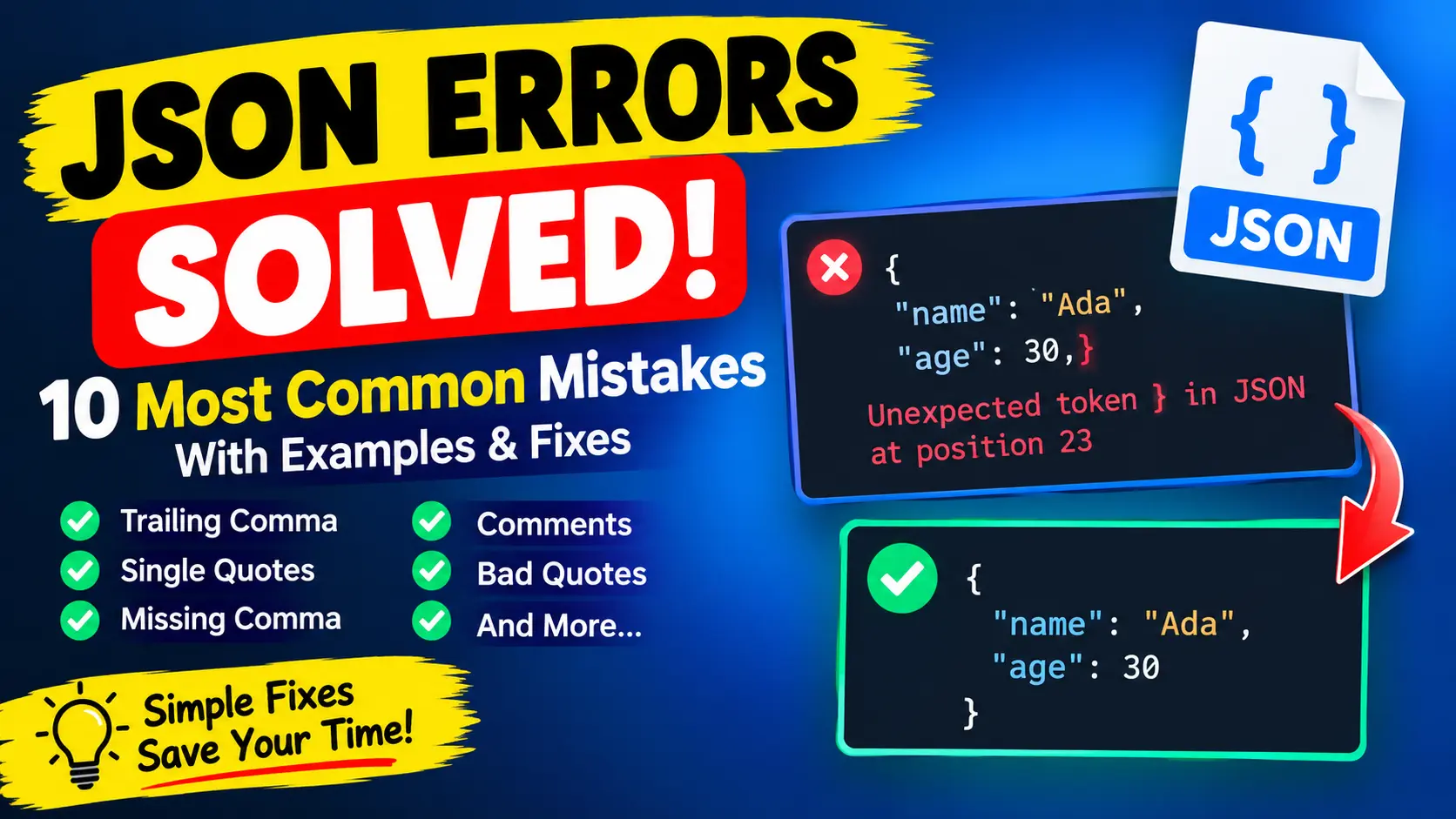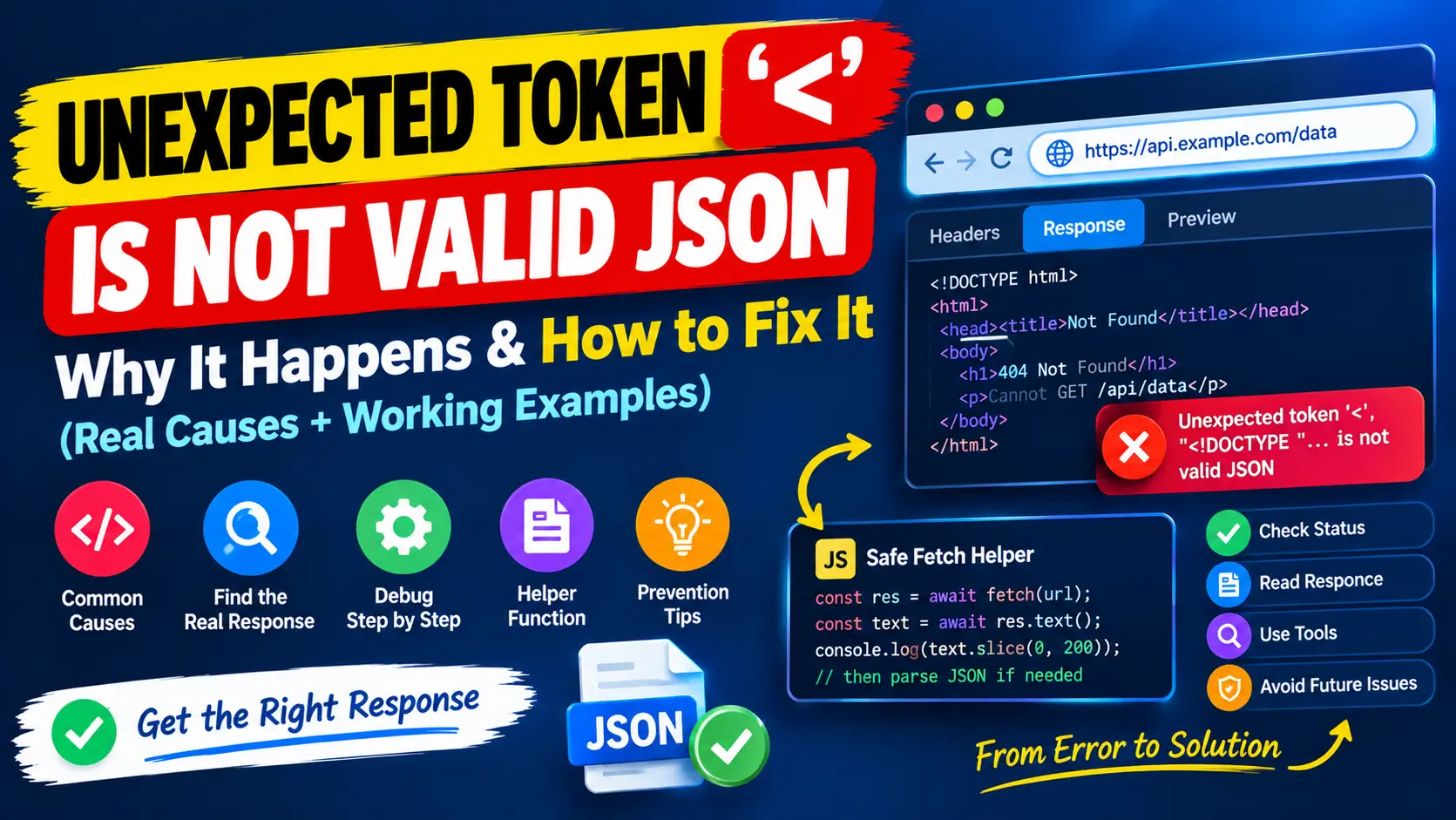
You call an API, run response.json() and the console shows Unexpected token '<', "<!DOCTYPE "... is not valid JSON. It looks like a JSON syntax problem, but in almost every case your JSON is not wrong at all. Your code expected data, and the server sent a web page.
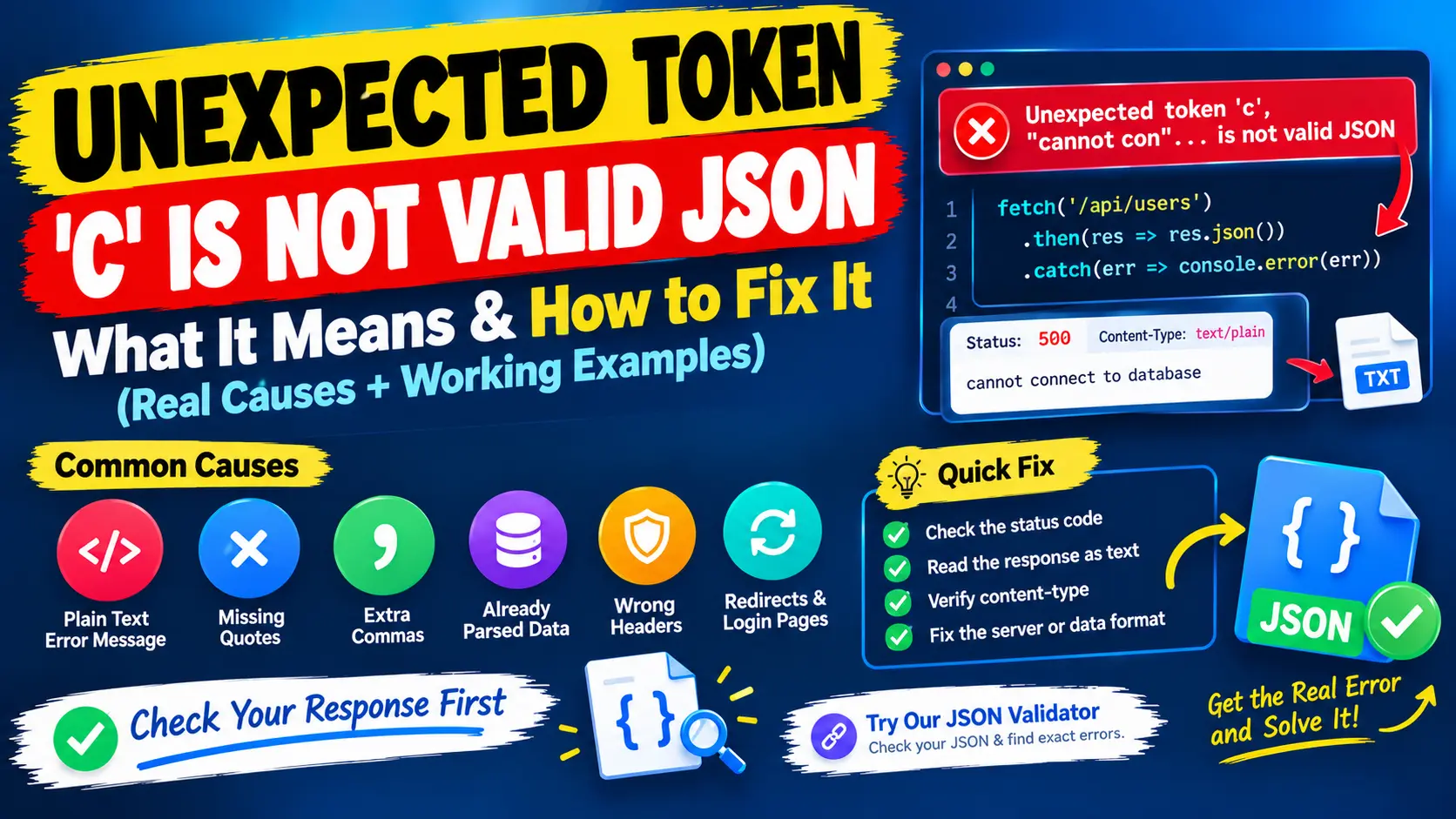
This guide explains what the message means, shows the real causes with results from a working Express 5 server, and gives you a method to find out what your API actually returned. If your message names a letter instead, such as Unexpected token 'c', read the guide to the Unexpected token c error. For ordinary syntax mistakes such as trailing commas, see the guide to JSON parse errors.
Want to check if your JSON syntax is valid? Paste it into our free JSON Validator to see whether it parses and to read the exact error message. To make a long response readable first, use the JSON Formatter.
What the error message means
Take this message from a recent version of Chrome, Edge or Node.js:
Unexpected token '<', "<!DOCTYPE "... is not valid JSONThe character in quotes, '<', is the first character the parser could not accept. The text in double quotes is the beginning of what it was given, cut off after about ten characters. Because the problem sits at the very first character, the text is not JSON with a typo in it. It is a different kind of text, and here it is an HTML page, because an HTML page begins with a less-than sign.
The wording depends on the browser and its version:
Chrome, Edge, Node.js 20+:  Unexpected token '<', "<!DOCTYPE "... is not valid JSON
Older Chrome and Node.js:   Unexpected token < in JSON at position 0
Firefox:                    JSON.parse: unexpected character at line 1 column 1 of the JSON data
Safari:                     JSON Parse error: Unrecognized token '<'
All four describe the same problem: the first character is not the start of a JSON value.
Why an API returns HTML instead of JSON
I reproduced the common causes with a small Express 5 server and called each endpoint with fetch. All of them fail with the same message, although their status codes differ:
- A typo or a wrong path. A request to
/api/usresinstead of/api/usersreturns status 404 and an HTML page. - An unhandled error on the server. A route that throws an exception returns status 500 and an HTML error page.
- A redirect to a login page. A request to
/api/mewas redirected to/login, so the final status is 200, the content type istext/htmlandresponse.redirectedistrue. - A single-page app that answers every path. When the API route is missing in a development proxy, the web server returns
index.htmlwith status 200. The page starts with a lowercase doctype this time, so the message shows"<!doctype ".... - A proxy, gateway or maintenance page. Something between you and the server answers with its own short page, for example a bad gateway notice. The message again shows the first characters of that page.
The default Express 404 response shows why the error is so unhelpful. It is a small HTML page whose only visible text is Cannot GET /api/usres, placed inside a pre element. The useful part is buried in the page, and the JSON parser never gets that far, so you see only the first character. Note also that a 200 status does not prove you received JSON. In the login example everything looked successful.
How to find the real response
- Open the Network tab in your browser's developer tools, repeat the request and click it. Look at the Status, the Request URL (a redirect changes it) and the content type of the response.
- Read the Response tab. If it shows a web page, a login form or a line of text, that is your answer.
- Repeat the request outside your app with a command-line HTTP client such as curl, or with Postman. You see the status line, all headers and the body at once.
- Read the body as text before you parse it. Call
response.text()and log the first 200 characters. You can parse the text yourself afterwards. - Check the server logs. The page the client sees is often a polite version of an exception that the server logged in detail.
Seeing this error on your own data? Paste the response body into the JSON Validator. If it reports a problem at position 0 or at the first character, the text is not JSON at all, so look at the raw response before you change any code.
A fetch helper that shows the real problem
Instead of calling response.json() directly, read the body as text, check the status and report what arrived when parsing fails:
async function getJson(url, options) {
  const res = await fetch(url, options);
  const text = await res.text();

  if (!res.ok) {
    throw new Error('HTTP ' + res.status + ' from ' + res.url + ': ' + text.slice(0, 60));
  }
  if (res.status === 204 || text === '') return null;

  try {
    return JSON.parse(text);
  } catch (e) {
    const type = res.headers.get('content-type');
    throw new Error('Expected JSON from ' + res.url + ' but got "' + type + '": ' + text.slice(0, 60));
  }
}
Here is what it reports for the situations above, with the host shortened to example.com:
valid response       [{"id":1,"name":"Ada"}]
typo in the URL      HTTP 404 from https://example.com/api/usres: (start of an HTML page)
login redirect       Expected JSON from https://example.com/login but got "text/html; charset=utf-8": (start of an HTML page)
SPA fallback         Expected JSON from https://example.com/api/spa but got "text/html; charset=utf-8": (start of an HTML page)
empty 204 response   null
Compare this with the message you started with. "Unexpected token" says almost nothing, while "HTTP 404 from /api/usres" tells you the cause and the place immediately. The helper also handles an empty 204 response, which would otherwise end in Unexpected end of JSON input.
Fix it on the server: return JSON errors from your API
If you control the API, make sure that paths under /api never answer with HTML. In Express, add a JSON 404 handler and a JSON error handler after your routes. The Express error handling guide explains the details.
app.use('/api', function (req, res) {
  res.status(404).json({ error: 'Not found', path: req.originalUrl });
});

app.use(function (err, req, res, next) {
  const status = err.status || 500;
  res.status(status).json({
    error: status < 500 ? err.message : 'Internal Server Error'
  });
});
With this in place, the same failures return data that the client can read:
GET /api/usres   404  application/json  {"error":"Not found","path":"/api/usres"}
GET /api/crash   500  application/json  {"error":"Internal Server Error"}
Notice that the 500 response does not repeat the internal message. Showing server errors to users can reveal paths, queries and library versions, so keep the detail in the log and send a short message.
Why it works locally and fails in production
- The base URL differs. A relative path such as
/api/usersworks behind your development proxy and points at the wrong server in production. - Authentication behaves differently. A session that exists locally may be missing in production, so the server redirects to a login page that arrives as HTML with a 200 status.
- A proxy, firewall or CDN sits in front of the server. It may answer with its own error or challenge page.
- The API path is not routed. A single-page app host returns
index.htmlfor unknown paths unless the API is configured. - An environment variable is missing. An undefined API address produces a request to the wrong URL.
If the call works in Postman but not in your app, compare the two requests line by line: URL, method, headers, cookies and body. The difference is usually one header or one cookie.
A checklist for the DOCTYPE error
- Log
response.status,response.url,response.redirectedand the content type. - Log the first 200 characters of
response.text()before you parse. - Open the same URL in the browser's Network tab or in a command-line client.
- Check the URL for typos, a missing prefix and a wrong base address.
- Check authentication, cookies and redirects.
- Read the server log for the exception behind a 4xx or 5xx page.
- Make the API return JSON for errors, so the client always receives something it can read.
Quick answers
What does unexpected token at position 0 mean?
The first character of the response is a less-than sign, so the server sent HTML, usually an error or login page, instead of JSON. Look at the status code and the raw response.
Is my JSON wrong when I see DOCTYPE is not valid JSON?
Usually not. There is no JSON in the response at all. The server returned a web page, so the cause is the URL, the authentication, a proxy or a server error.
Can a status 200 still return HTML?
Yes. A redirect to a login page and a single-page app that answers every path both end with status 200 and HTML. Check the content type and the first characters of the body.
Summary
The DOCTYPE error means the server sent an HTML page where your code expected JSON. Look at the status, the final URL, the content type and the first characters of the real response, then fix the cause: the URL, the authentication, the proxy or the server's error handling. When you need to check data itself, use the JSON Validator and the JSON Formatter. For errors that name a letter, continue with the Unexpected token c guide.