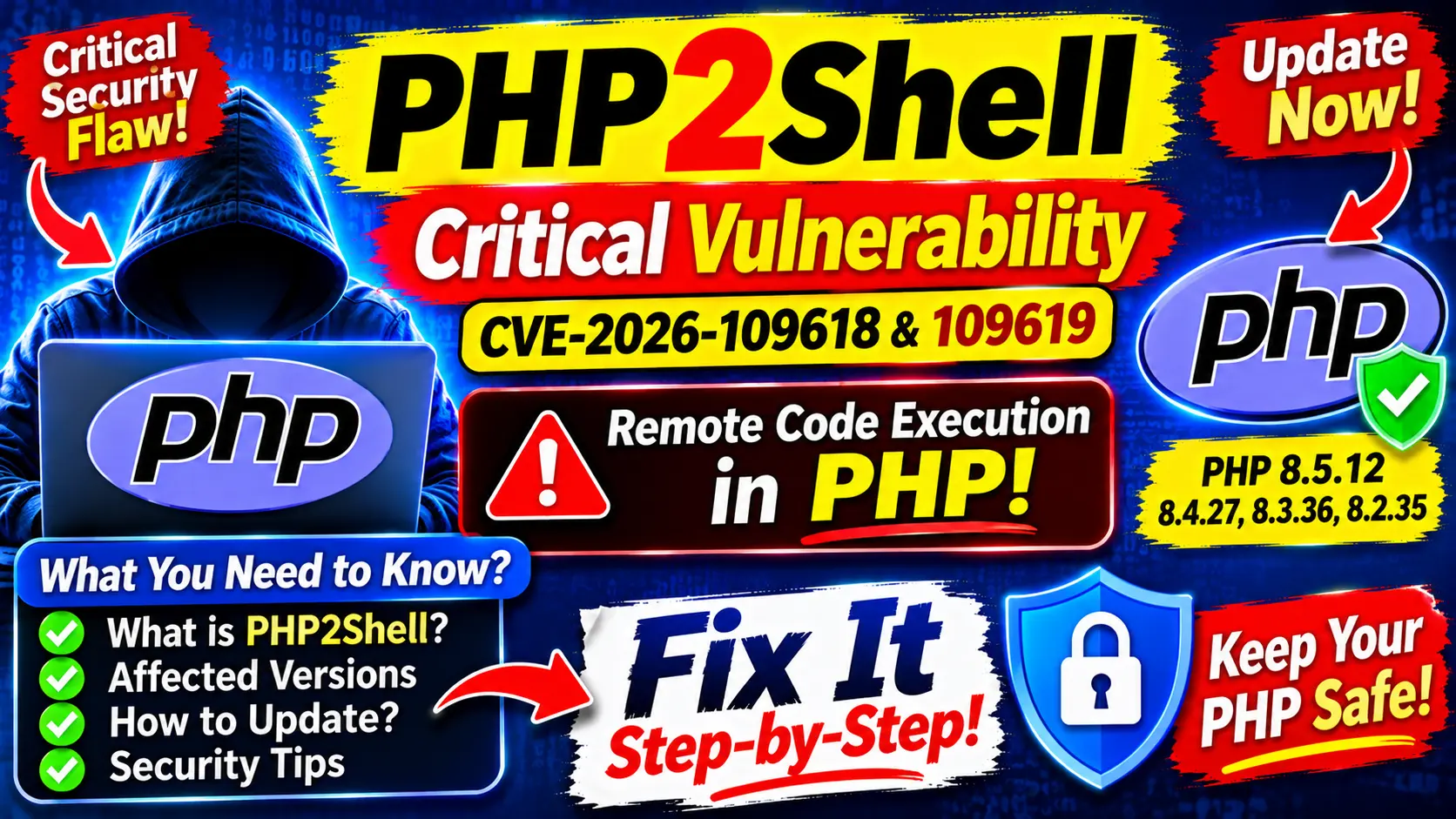
PHP2Shell is the name given to two critical vulnerabilities in the PHP engine itself: CVE-2026-109618, remote code execution through out-of-memory corruption, and CVE-2026-109619, remote code execution through stale global state. PHP rates both 9.2 on CVSS v4.0, an unauthenticated remote attacker can reach them, and the PHP project fixed them on 21 October 2026 in PHP 8.5.12, 8.4.27, 8.3.36 and 8.2.35. watchTowr reports exploitation in the wild, and Palo Alto Networks counts more than 22.6 million exposed instances that are potentially vulnerable.
These bugs matter more than a typical web vulnerability because of where they live. The flaws are in the runtime, not in your code. WordPress, Drupal, Laravel and a forgotten script from 2012 all run on the same engine, and an application cannot validate its way out of a bug that can fire before the application starts. The quality of your code, your input validation and your login system do not change the exposure.
This article explains the mechanics at the level the vendors have published: what kind of error each bug is, why PHP's process model matters, which deployments are most exposed and how to harden them. It contains no exploit code, no request examples and no instructions for triggering the flaws. For update commands, see our CVE-2026-109618 patch guide.
How PHP handles a request: the background you need
Three facts about the engine explain both vulnerabilities.
- Workers live for many requests. A PHP-FPM worker, or the Apache process that hosts mod_php, is a long-lived process that serves requests one after another. Memory for one request is meant to be released when that request ends, but the process itself carries on.
- The engine parses the request before your script runs. By the time your first line of code executes,
$_POSTand$_FILESare already filled, which means the engine has already read and processed the request body, including multipart uploads. - Memory is capped and failures are fatal. Without any php.ini, PHP uses a
memory_limitof 128M. When a request needs more, PHP stops it with a fatal error and abandons the current work by jumping out of the running code. Unit 42 names this jump,longjmp(), in the description of both vulnerabilities.
This is what a memory limit failure looks like. I produced it with an 8 MB limit and a 20 MB string on the command line, where the process then exits with status 255:
Fatal error: Allowed memory size of 8388608 bytes exhausted (tried to allocate 20000768 bytes)A jump that skips the rest of a function is dangerous in C for a simple reason: the code that would have finished initialising a structure, or put things back in order, never runs. Both CVEs belong to this family of bugs. They are not about what your application does with data. They are about what the engine leaves behind when it gives up halfway.
Anatomy of CVE-2026-109618: out-of-memory corruption
What the vendors describe
Red Hat's description is the clearest. PHP records certain state as ready for use before all the memory allocations that this state needs have completed. If one of those allocations fails because memory is exhausted, the half-finished state is not rolled back. Later cleanup operations treat the uninitialised memory as valid, and that leads to memory corruption. watchTowr summarises it as PHP running out of memory partway through setting up a request and leaving internal data half built for the cleanup code to trust. Unit 42 attributes it to out-of-memory errors handled with longjmp() leaving request memory uninitialised because of improper control flow.
Why error paths are a security boundary
This is a classic order-of-operations bug. The state was marked as usable too early, and the failure path was written on the assumption that the state was either complete or absent. Failure paths are rarely exercised in tests, because ordinary test suites do not run out of memory in the middle of a particular function. They are also reachable by an attacker when the failure can be provoked by what a request asks the server to do. Red Hat describes the attack as crafted HTTP requests from an unauthenticated attacker.
Why the severity scores disagree
The scores differ because exploitability depends on how PHP is deployed. PHP and the vendors that follow it rate the pair 9.2 on CVSS v4.0. For CVE-2026-109618, NVD lists 9.8 on CVSS v3 with low attack complexity, and Red Hat lists 8.1 with high attack complexity. Red Hat's reasoning is that reliable exploitation requires precise heap manipulation and timing, and that its standard deployments run PHP-FPM. That is a statement about difficulty on one platform, not a statement that the bug is harmless.
What it is not
It is not a flaw in WordPress, Drupal or any plugin, and it cannot be fixed by changing application code. The only complete remedy is a patched engine.
Anatomy of CVE-2026-109619: stale global state
What the vendors describe
The second bug involves state that outlives the memory it points to. watchTowr explains that the internal state survives longer than the request memory it refers to, so the next request that the same PHP worker picks up can act on leftover data. Unit 42 describes fatal error handling with longjmp() that leaves global memory pointing to freed memory regions, which are later read or branched on during subsequent requests.
The pattern behind it
In classic terms, this has the shape of a use-after-free: memory is released, a pointer to it survives, and the pointer is used later. This classification is my analysis, because the vendors describe the behaviour and not the label. What makes the bug unusual for a web server is that the damage is spread over two requests. The first request leaves the stale pointer behind, and a later request in the same worker runs into it. This is possible only because workers are long-lived, which is the process-model fact from the background section.
What platforms disabled as a stopgap
Hosting platforms that published emergency settings disabled session.upload_progress, which is on by default, and on PHP 8.5 also fatal_error_backtraces. I do not describe how those features work here, and PHP states that no configuration change fully mitigates the vulnerabilities. Treat those settings as friction for an attacker, not as a fix.
Attack surface: where the exposure really is
- Every web SAPI is in scope. watchTowr lists PHP-FPM, Apache mod_php, php-cgi, LiteSpeed and FrankenPHP. A server that only runs PHP on the command line is not exposed in the same way.
- mod_php carries the highest risk. PHP considers the exposure greatest for Apache with mod_php, because an attack can succeed before any of the application's own code has run. Authentication, routing, framework middleware and application-level firewalls come too late to help.
- PHP-FPM is harder in practice, but not safe. Red Hat notes that PHP-FPM workers exit on early initialisation failures before they reach the corrupted structures, so code execution is difficult and typically needs non-default behaviour, such as the application parsing a second request body while the script runs. Red Hat still reaches FPM through application-stage paths, so FPM is not immune.
- No login is needed. Both bugs are reachable without credentials, so a site that only serves a public page is as exposed as an admin panel.
- Defaults leave the path open. With no php.ini, file uploads are on,
post_max_sizeis 8M,upload_max_filesizeis 2M andsession.upload_progress.enabledis on. Most applications do not need multipart request handling on every route.
Exploitation has been observed since 21 October 2026 on watchTowr's honeypot network. As of 22 October, CISA had not added either CVE to its Known Exploited Vulnerabilities catalog, and the UK NCSC has published an alert. The vulnerabilities were found by researchers at Calif, leaked on 20 October before the planned disclosure date, and fixed in an emergency release on 21 October at 14:00 UTC.
Mitigation and patch strategy
1. Upgrade to a patched branch
- PHP 8.5.12, 8.4.27, 8.3.36 and 8.2.35 contain the fixes for both CVEs. Every release before the fixed one in its branch is affected.
- PHP 7.4, 8.0 and 8.1 have no official release. According to watchTowr, you can use a distribution or LTS vendor package or PHP's minimal source backports, or you can upgrade.
- PHP 7.3 and older, including PHP 5, are affected and have no fix. Upgrade to a supported branch.
Restart every PHP worker after the update, because running workers keep the old code in memory. Distributions often fix issues without changing the upstream version number, so check the package changelog and not only php -v. The commands for APT, DNF and Docker are in the patch guide.
2. Stopgaps if you cannot patch today
These settings were published by hosting platforms as temporary hardening. They make the attack harder and do not fix it. Set them in php.ini, not with ini_set() or a .user.ini file, and move per-request values such as php_value or PHP_VALUE into php.ini too:
; Temporary stopgaps, not a fix
session.upload_progress.enabled = 0
fatal_error_backtraces = 0     ; PHP 8.5 only, older versions do not have this setting
Some platforms also set memory_limit = -1. The first bug is triggered by a failed allocation, so removing PHP's own limit takes away the easy way to hit that failure. The trade-off is serious, because one request can then use all the memory of the server. I do not recommend it as a default. If you use it at all, pair it with a hard limit from the operating system, as described next.
3. Contain the blast radius with cgroups v2
A limit from the kernel protects the host even when PHP has no limit. With systemd on a cgroup v2 system, add a drop-in for the PHP-FPM service:
# /etc/systemd/system/php8.3-fpm.service.d/limits.conf
[Service]
MemoryMax=2G
Then run sudo systemctl daemon-reload and restart the service. For containers, set the limit when you start them, for example docker run --memory=512m. An out-of-memory kill is an availability cost, because the process is stopped and restarted, but it keeps one bad request from taking the whole machine down.
4. Verify what you install
Packages from APT and DNF are verified by the package manager. For a source tarball or a Windows archive that you download yourself, compare its SHA-256 hash with the value published on php.net, and verify the PGP signature too:
sha256sum php-8.4.27.tar.xz

# Windows PowerShell
Get-FileHash .\php-8.4.27.zip -Algorithm SHA256
Take the expected hash from php.net over HTTPS and not from a forum, a mirror or a chat message. A match proves that the file is identical to the one that was listed. It does not prove the listing was not tampered with, which is why the signature check adds assurance.
Verify and compare with the Hash Generator
After patching a fleet, confirm that your servers are configured the same way. Paste the text of a configuration file, such as a PHP-FPM pool or a php.ini snippet, into the free Hash Generator to get its SHA-256 digest in your browser, and compare the digests between servers. Paste the exact text, because a trailing line break changes the hash. The tool hashes text and cannot read a downloaded archive, so use sha256sum or Get-FileHash for the PHP package itself.
Enterprise defence checklist
- Recycle workers. Set
pm.max_requestsin the FPM pool, for example to 500. The default of 0 means a worker lives until it is stopped. Recycling limits how long a damaged state can stay alive in one worker. It is hygiene and not a fix. - Keep errors out of responses. Without a php.ini, PHP shows errors to the output. Set
display_errors = Offandlog_errors = On, so that an attacker learns nothing from error text and you still get the logs. - Do not rely on
disable_functionsoropen_basedir. Once memory corruption lets an attacker run code inside the engine, restrictions that the engine enforces on itself are not a reliable boundary. Use operating system isolation. - Isolate with mandatory access control. Keep SELinux enforcing on RHEL-based systems and use AppArmor profiles on Debian and Ubuntu, so that a compromised worker cannot read or write outside its own files.
- Harden containers. Run with a read-only root filesystem, drop capabilities and block privilege escalation, for example with
--read-only,--cap-drop=ALLand--security-opt=no-new-privileges. - Separate pools and users. Run each site in its own pool under an unprivileged user.
- Restrict outbound traffic. Egress filtering limits what a compromised worker can contact.
- Monitor the engine. Alert on PHP worker crashes, segmentation faults, out-of-memory kills, unexpected child processes of the web server, and new PHP files in writable directories.
- Inventory everything. Include old and forgotten PHP installations, because unsupported branches are affected too.
FAQs
Do PHP 8.1 and older versions get a patch?
There is no official release for PHP 7.4, 8.0 and 8.1. watchTowr lists distribution or LTS vendor packages and PHP's minimal source backports as options, and some vendors, such as Plesk, rebuilt old branches on 21 October 2026. PHP 7.3 and older, including PHP 5, have no fix. Plan a move to a supported branch.
Is a reload enough, or do I have to restart the workers?
After a security update, restart the service. Running workers hold the old code in memory, and a restart is the safest way to be sure that every worker runs the patched engine. Then check the version of each web-facing PHP, as the command-line php can differ from the one the web server uses.
Does switching from mod_php to PHP-FPM remove the risk?
No. All web SAPIs are in scope. Red Hat describes PHP-FPM workers as harder to attack in practice, and PHP sees mod_php as the highest risk, so moving to FPM can reduce the practical exposure. It is not a substitute for the update.
Is a web application firewall enough?
No. Vendors published signatures that block known attack traffic, and they are useful while you prepare the update. A signature cannot cover every variation of a memory-safety flaw, and PHP states that only the update fully fixes the problem.
Sources and update note
This article was written on 23 October 2026 from the following sources. The situation is still developing, so check them for changes: